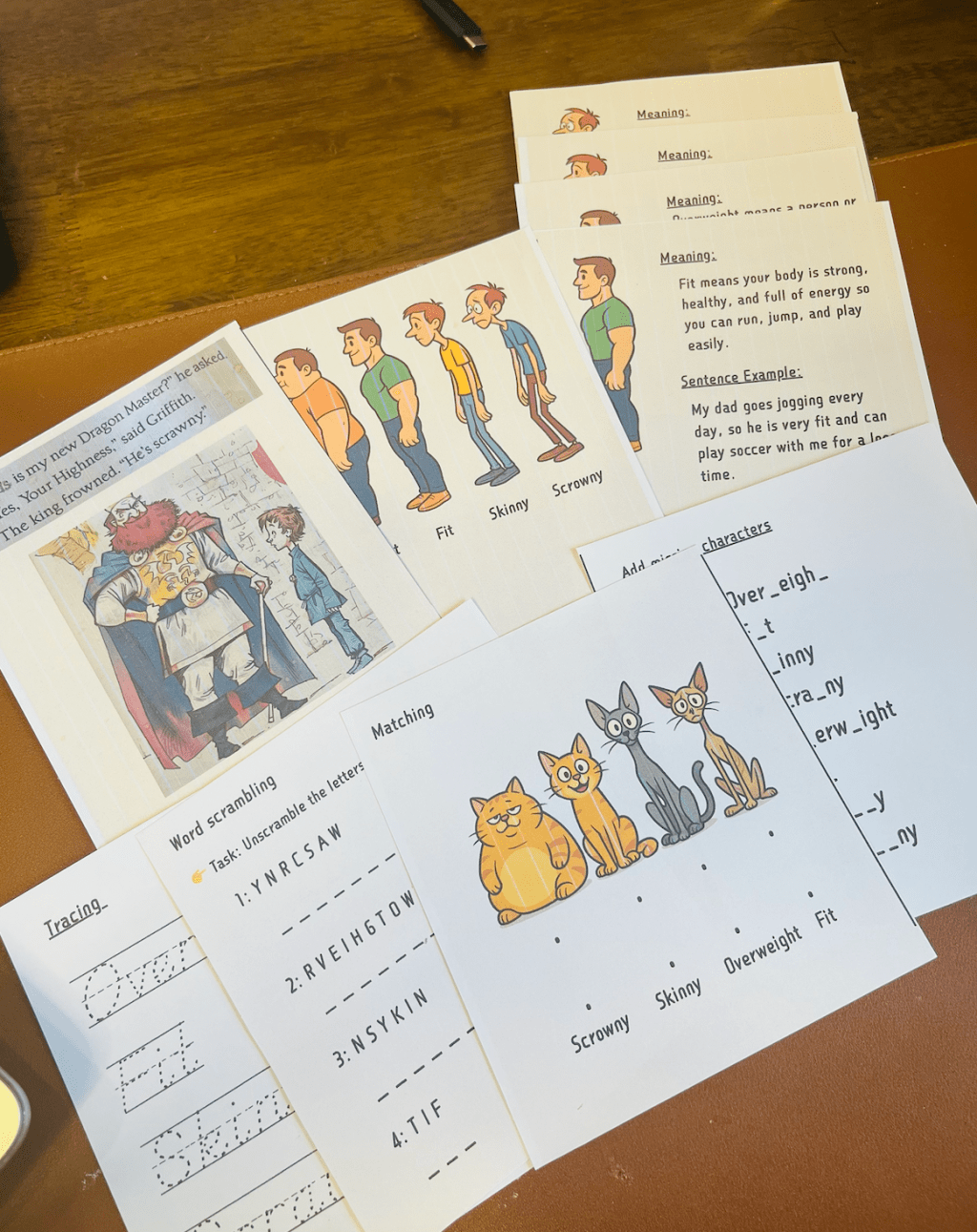
Recently, while reading Dragon Masters, my child came across a new word: “Scrawny.” It’s a word that describes body shape, and the most accurate Chinese translation would be “骨瘦如柴” (skinny to the bone). Since my kid doesn’t have much vocabulary for describing body shapes, I put together a little extension exercise with four adjectives.
Here is the picture of the extension exercise I created, it started with a picture from the book – where he encountered the word “Scrawny” , and then introduced three more words related to different body shapes. In this exercise, I combined explanations of meaning, sentence examples, word scrambles, matching, tracing, and fill-in-the-blank activities to make sure it’s fun and avoids boring, repetitive drills.
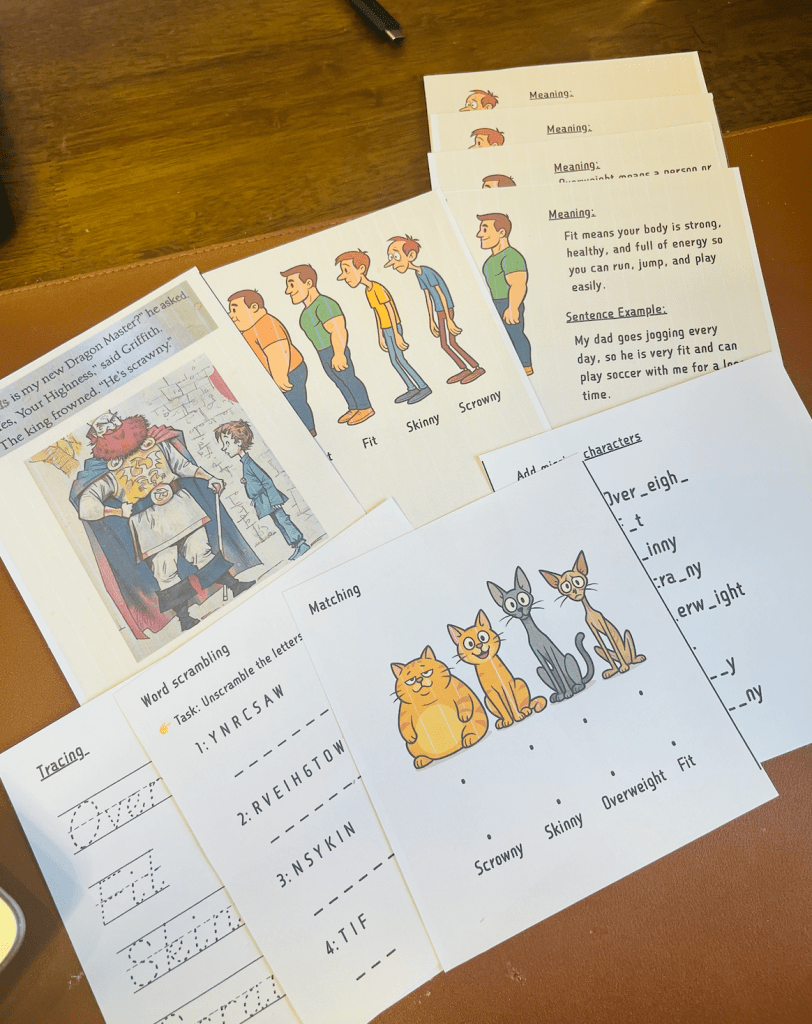
You can directly download and print the PDF, or download the PPT version and add more body-shape related words based on your child’s vocabulary level.
To make this PPT, I used the following tools:
- ChatGPT to generate illustrations.
- Canva to design the PPT—because compared with professional PPT tools, Canva has way more online resources, templates, and animation effects, which makes creating fun presentations for kids much easier.
- A tool from the Create Printables website to generate word-tracing worksheets: https://www.createprintables.com/word-tracing-practice-worksheet/
Thanks to these tools, parents can now create fun and illustrated learning materials with ease. More importantly, it opens the door to customizing your child’s learning journey—you don’t have to let the school’s content and pace be the only framework that shapes their growth. With a little creativity and the right tools, you can design lessons that match your child’s interests and needs.
So why not give it a try? Explore these tools, make learning more playful, and create a learning path that feels truly personal for your child.

 Lisa Guan's Innovation World
Leave a comment